Console Overview
This page gives you a bird's-eye view of how the NevisID Console is organized and what each area is for.
Main areas at a glance
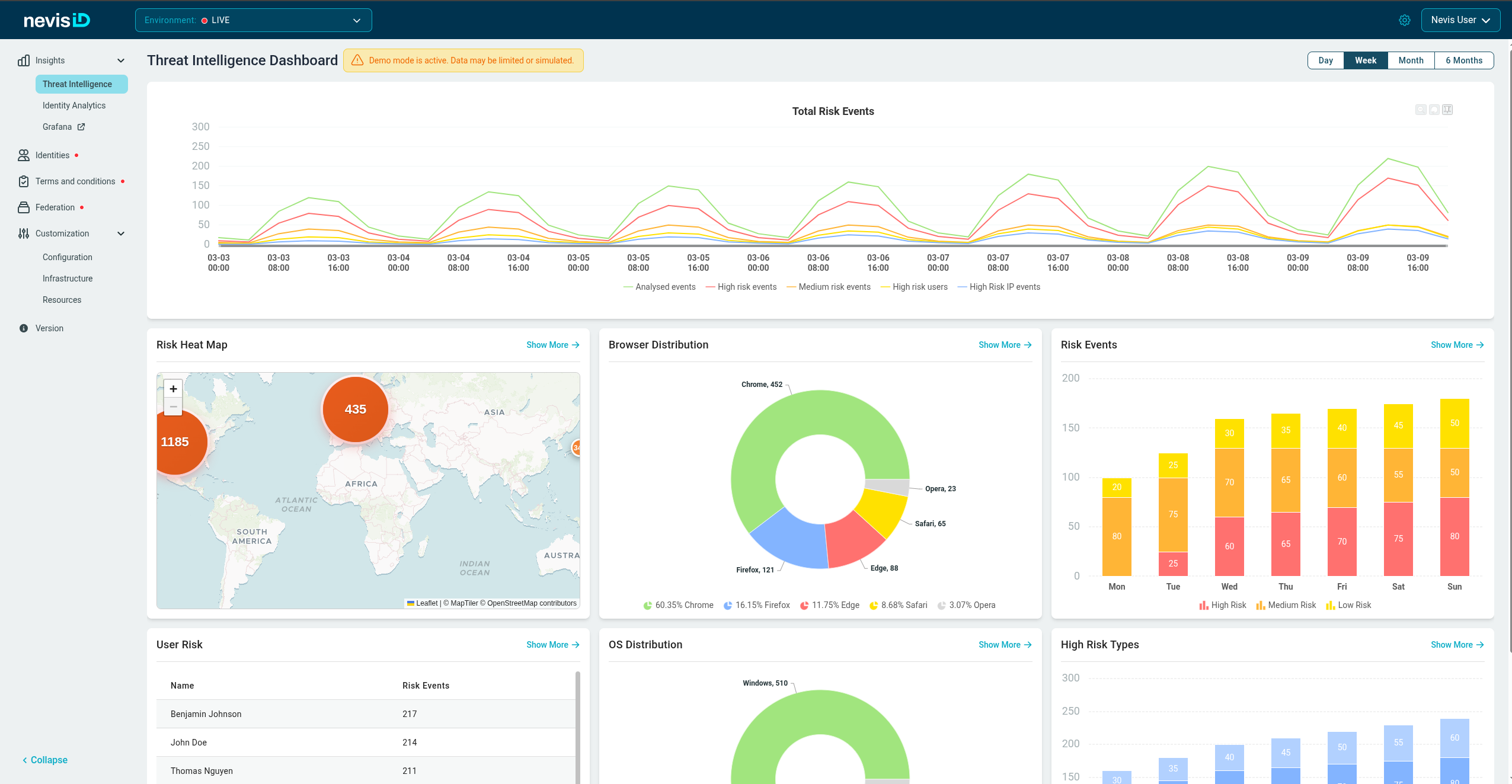
The header bar
At the top of every page you will find:
| Element | Purpose |
|---|---|
| Environment selector | Switch between different environments (for example, staging, production) |
| Account menu | Minimal user details and navigation back to Nevis Portal |
| Settings icon (cogwheel) | Opens administration pages such as Manage Users, Manage Groups, and View Logs |
The sidebar
The sidebar lets you jump between the major sections of the console. Sections marked with an arrow can be expanded to reveal sub-pages.
The main content area
This is where page-specific content appears, such as charts, tables, and forms, depending on the selected page.