Social Login with Google
Google Social Login streamlines the sign-up and login process, making it easier and faster for users to access websites and apps. It simplifies the login process, reduces password fatigue, and leverages Google's robust security infrastructure, including multi-factor authentication, to protect user accounts. It also minimizes the risk of password-related security breaches by eliminating the need for users to manage separate passwords for different websites.
With the Example project, user account linking and the seamless SSO user experience comes out of the box.
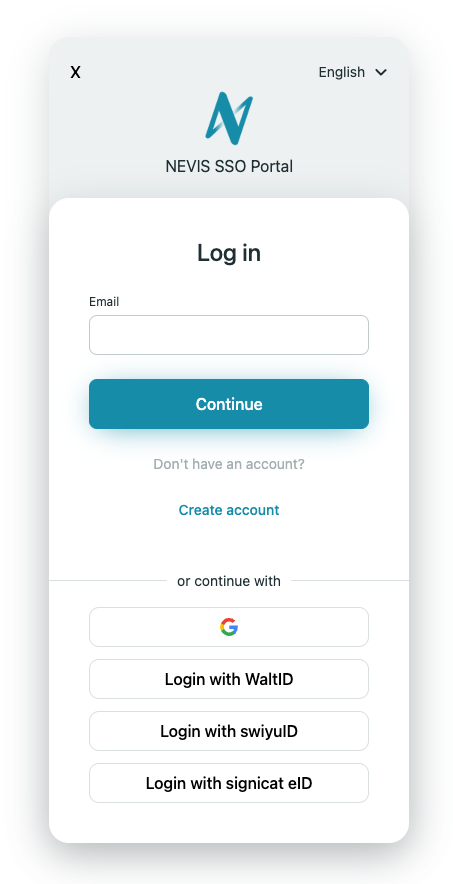
- At the login screen select the Google icon from the list below.
- If you have multiple account registered with Google, select the one you want to use with Nevis.
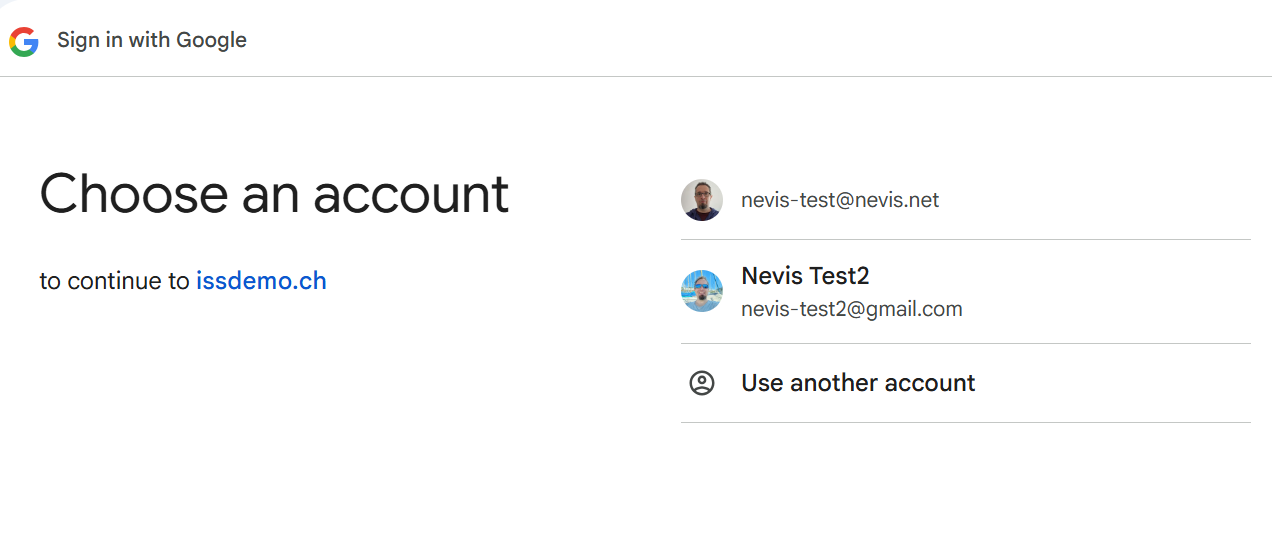
- Follow the instructions from Google if your account requires further factors to sign-in.
Once the authentication to Google was successful the user account is also created in nevisIDM with the same email address if it didn’t exist yet. The first and last name of the user is also registered, if they were provided by Google. Finally, the link between the two accounts is registered in nevisIDM.
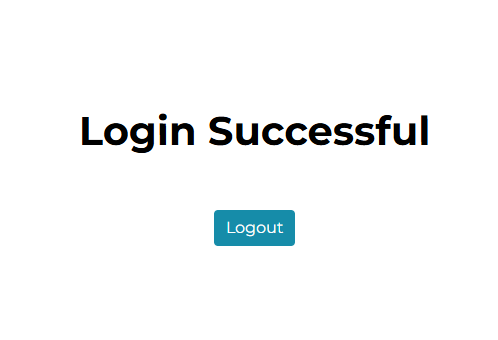
Now you can access the example web application.